
Templates
The list of your template appear.
To create a new template click on  button.
A new window to configure the template will appear.
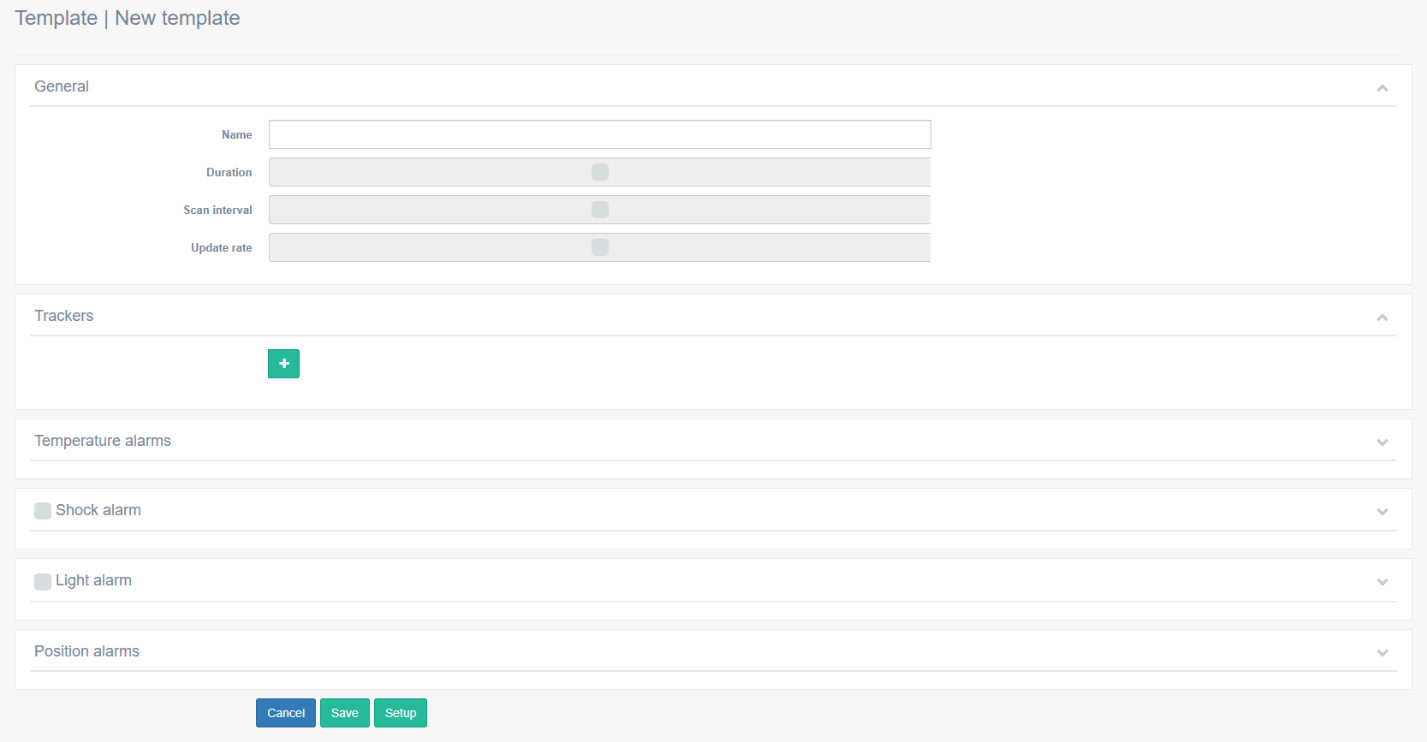
In General:
Define a name

Define Duration
 |
 |
Define Scan interval
 |
 |
Define Update rate
 |
 |
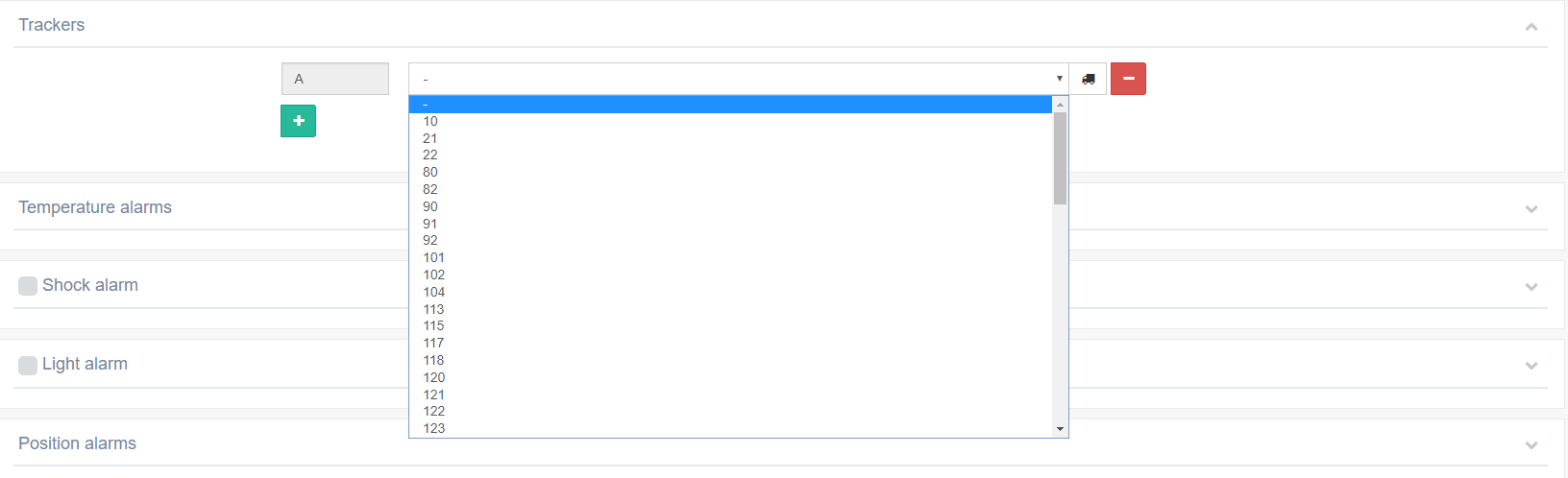
In Trackers:
Click on  button.
Select the tracker for the template.
 |
 |
Can configure also in the template:
When the template is configured press on  button to setup the trackers.
To save the template press  button.
To use a template that was created, select the template and click on  button, or click on the name of the template.
The selected template will open.
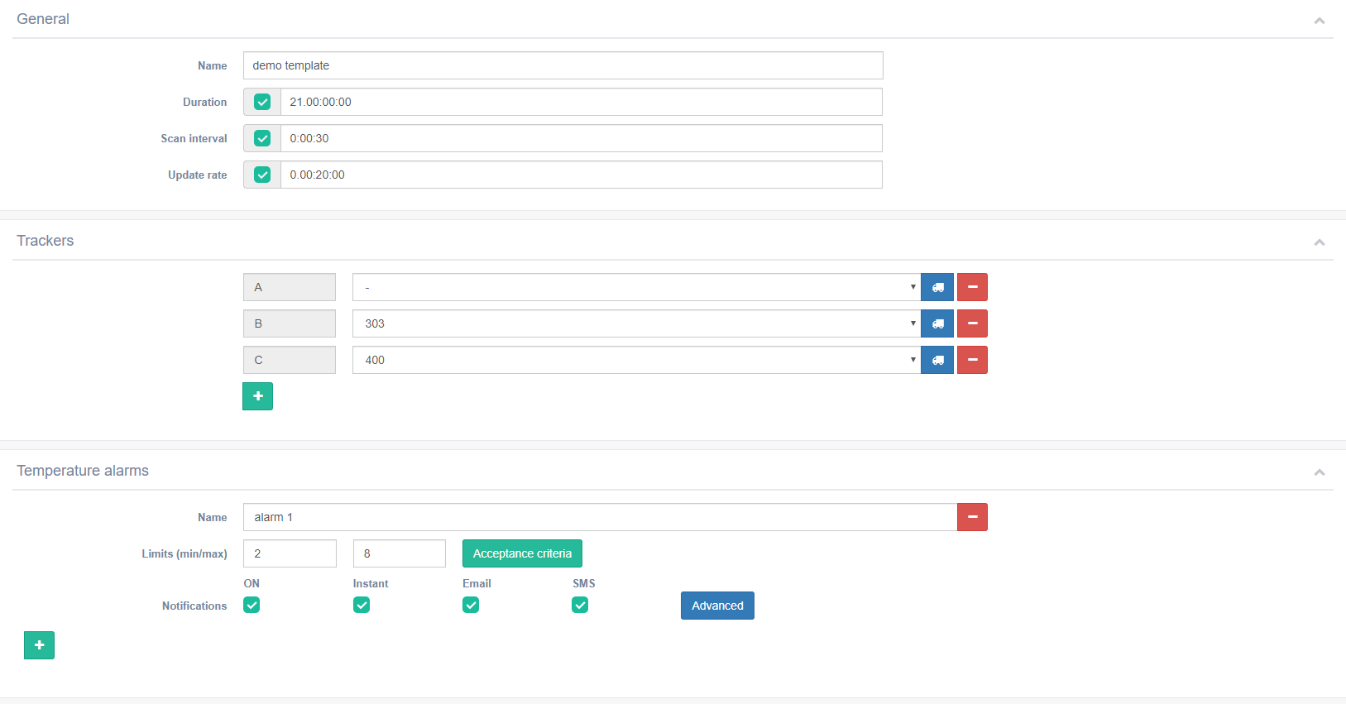
Reconfigure the template and setup the trackers or save the template.